Skip to content
Digital Workflow

CAD/CAM Implant Components

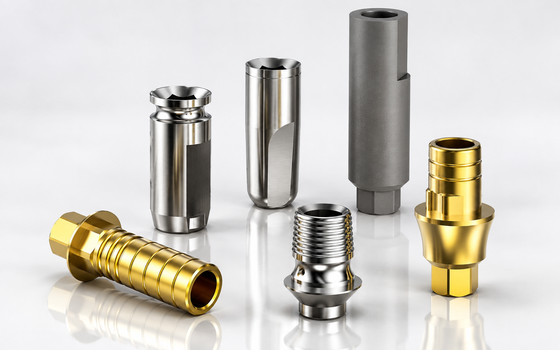
Scan bodies, Ti-bases and digital analogs for every step of the digital implant workflow, from intraoral scan to screw-retained crown.

CAD/CAM Implant Components

Global Shipping

Fast & reliable delivery

Clinician Support

Experts by your side

Secure Payments

100% safe & encrypted

FDA 510(k) Cleared

K242217 · Surcam Implant System

Need bulk pricing?

Exclusive pricing for clinics and distributors.

Contact Sales

Buy CAD/CAM Implant Components Online

27 items

Surcam's CAD/CAM implant components cover the whole digital workflow, from the scan to the final screw-retained restoration. Titanium implant scan bodies record implant position, depth and orientation in an intraoral or lab scan. Ti-bases carry the milled crown or bridge, and digital analogs seat the implant in a printed model.

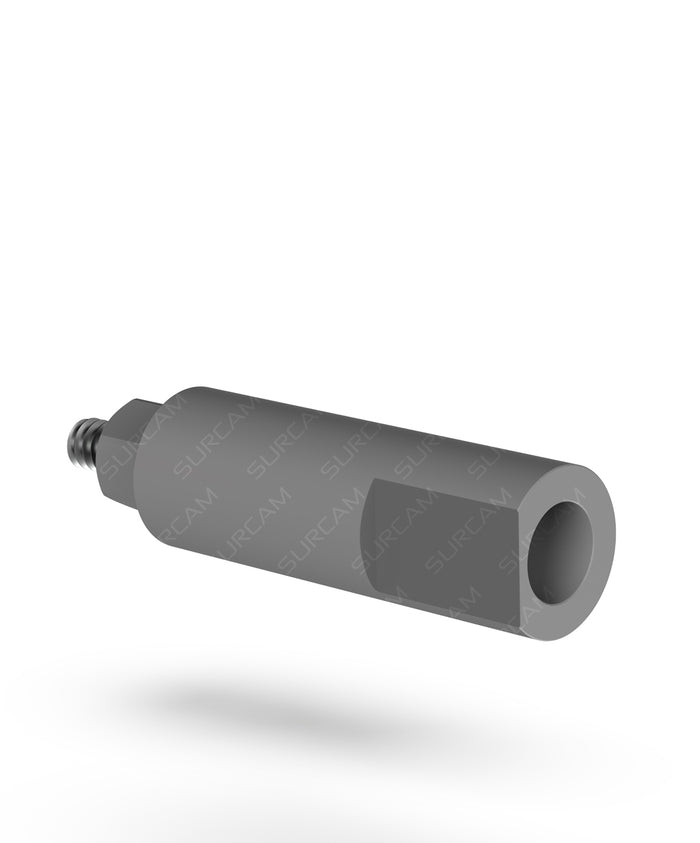
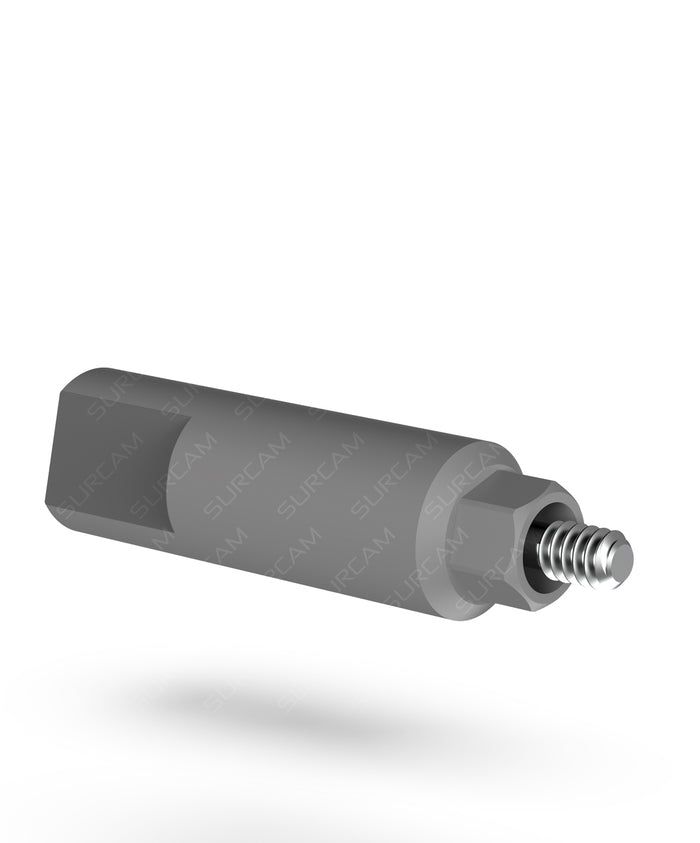
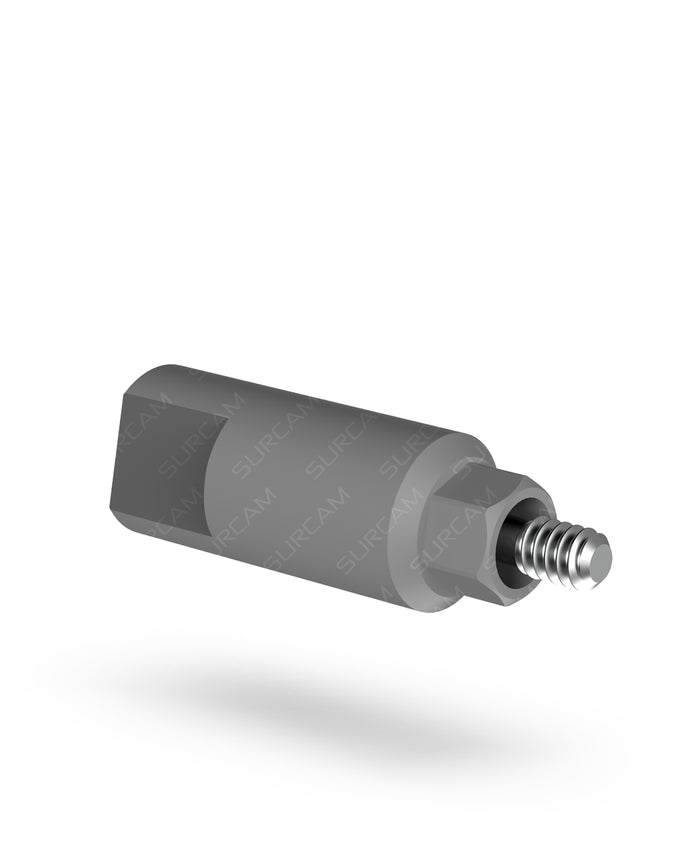
You'll find scan bodies for the 2.43 mm internal hex (10 mm standard and 13 mm long), scanning abutment adaptors for the conical NP and RP platforms, and scan bodies for General and Prime Multi-Units. They sit alongside rotational and non-rotational Ti-bases in several gingival heights. Download the matching files from our digital libraries before you design.

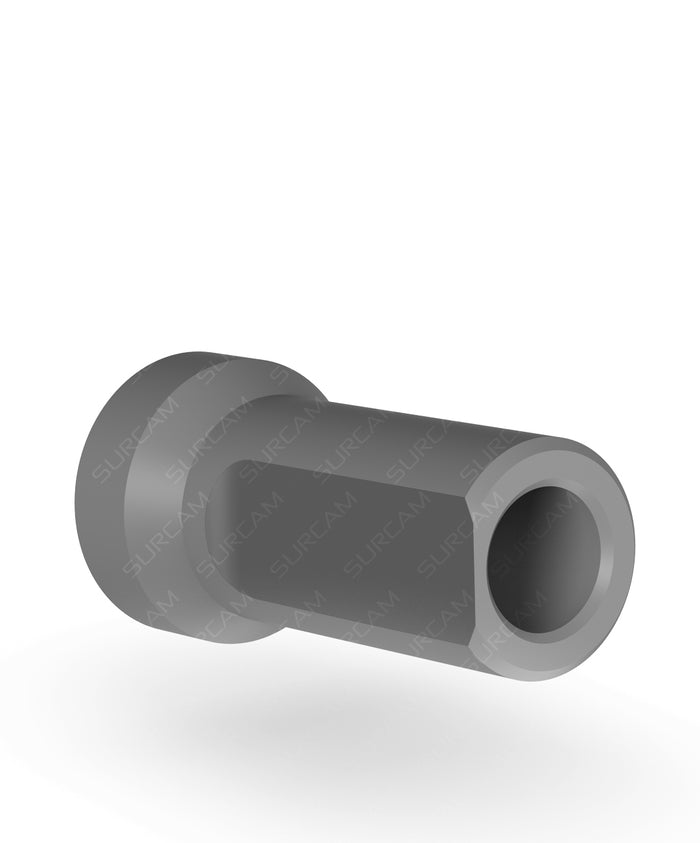
An implant scan body is the link between the mouth and the CAD software. Surcam scan bodies are machined from Ti-6Al-4V titanium for consistent scanner recognition. Pick the scan body that matches the connection: internal hex, conical NP or RP, General Multi-Unit or Prime Multi-Unit.

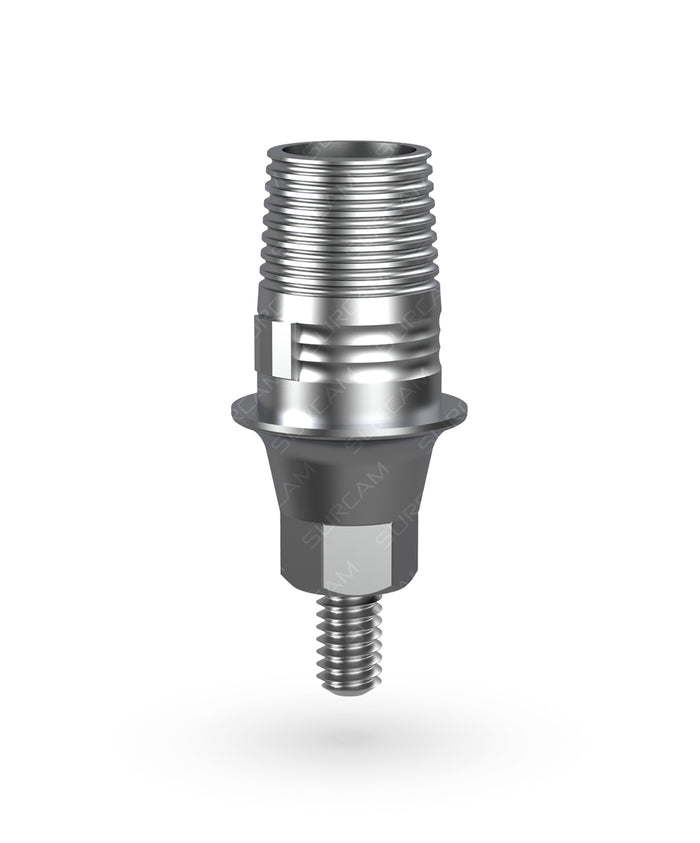
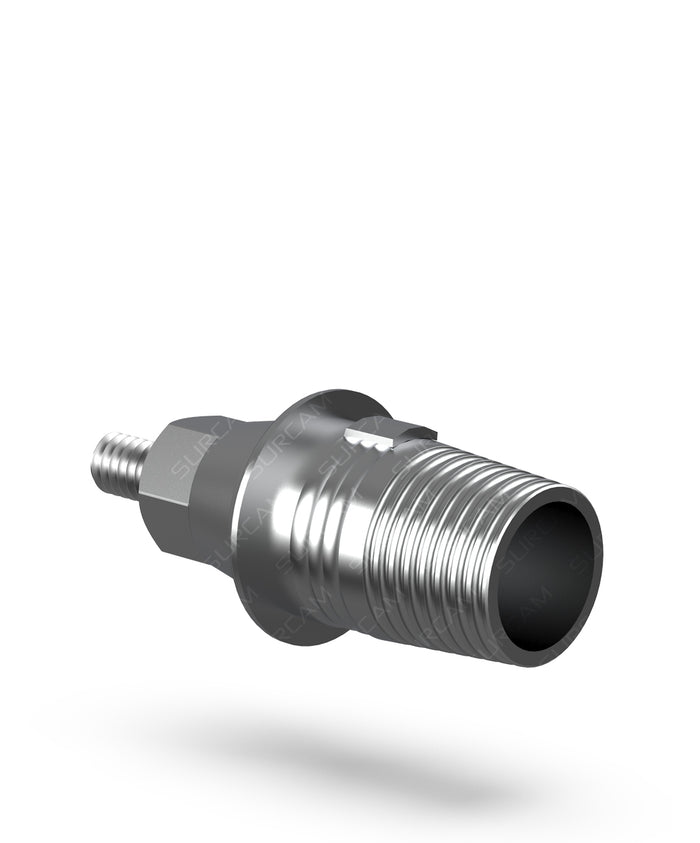
Ti-bases come rotational or non-rotational in several gingival heights for the internal hex and conical platforms and for multi-units, and digital analogs cover printed-model work. All components are supplied non-sterile; follow the IFU for cleaning, sterilization and screw torque. Library files are on the digital libraries page.

How the digital implant workflow fits together

1. Scan

Screw a scan body onto the implant or multi-unit abutment and capture it with an intraoral scanner, or scan the impression model in the lab. Use the long scan body where the platform sits deep or the tissue is thick.

2. Design

Load the matching file from Surcam's digital libraries. The software swaps the scanned scan body for the exact implant position, and you design the crown or bridge over a Ti-base.

3. Mill and bond

Mill the restoration in zirconia or another material, then bond it to the Ti-base. Choose non-rotational Ti-bases for single crowns and rotational Ti-bases for splinted bridges.

4. Model and deliver

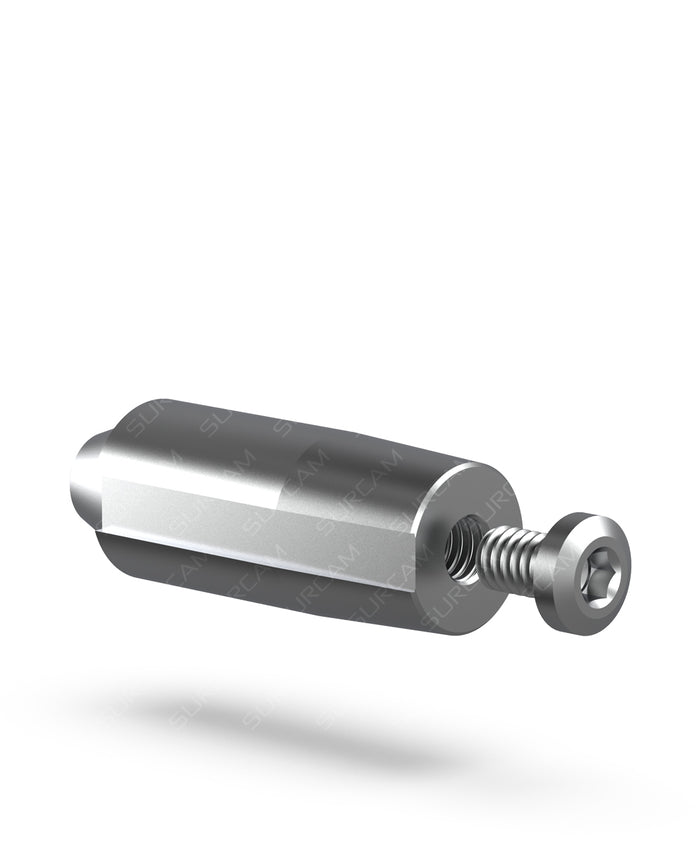
Seat a digital analog in the printed model to check fit and contacts, then deliver the screw-retained restoration. Follow the IFU for screw torque.

Frequently Asked Questions

Scan body & Ti-base FAQ

What is a scan body for dental implants?

A scan body is a precision titanium part screwed onto the implant or multi-unit abutment before a digital impression. The intraoral or lab scanner reads its geometry, and the CAD software uses the matching library file to place the implant's exact position, depth and orientation in the design.

Which Surcam scan body do I need?

Match it to the connection. For the 2.43 mm internal hex, use the standard 10 mm scan body or the 13 mm long version. For conical connection implants, use the NP or RP scanning abutment adaptor. For multi-unit restorations, use the General Multi-Unit scan body (also available PVD TiN coated) or the Prime Multi-Unit scan body in its intraoral or lab version.

When should I choose the long scan body?

Choose the 13 mm long scan body when the implant platform sits deep below the gingiva or the soft tissue is thick. The extra height keeps enough of the scan body visible for the scanner to register it reliably.

What is the difference between rotational and non-rotational Ti-bases?

A non-rotational (anti-rotational) Ti-base engages the implant's hex, so it locks the crown's orientation; use it for single-unit restorations. A rotational Ti-base has no engaging feature, so it can seat on several non-parallel implants; use it for splinted bridges.

Where do I get the CAD/CAM library files?

Surcam's digital libraries are available on our digital libraries page. Use the library that matches the scan body and Ti-base you order so the software aligns the parts correctly.

Are scan bodies and Ti-bases supplied sterile?

No. Abutments and prosthetic components, including scan bodies and Ti-bases, are supplied non-sterile. Clean and autoclave them before intraoral use, as described in the IFU.

Guided selection

Find the right implant components in 4 steps.

1Workflow
2Connection
3Procedure
4Components
About 30 seconds

Need Support?

Our clinical support team is here to help with product, order and case inquiries.

Contact Support →

Bulk & Distributor Pricing

Custom pricing for clinics, labs and authorised distributors. Get a quote tailored to your volume.

Request pricing →

Get the Right Implants, Right on Time

Order online with confidence — from single cases to bulk supply. Our team is here to help you select the right components and get them delivered fast.

Add Special instructions for your order
Coupon Code