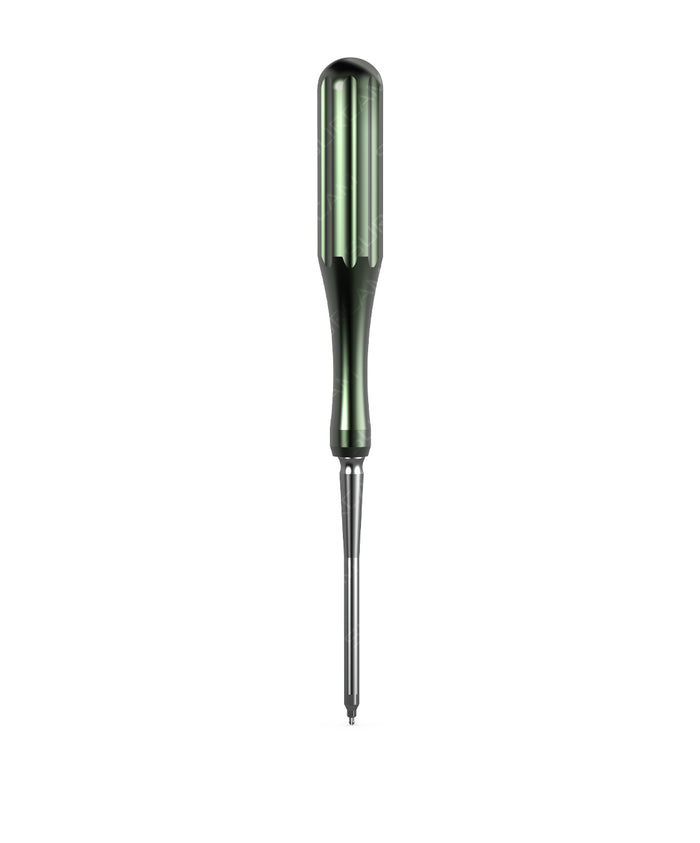
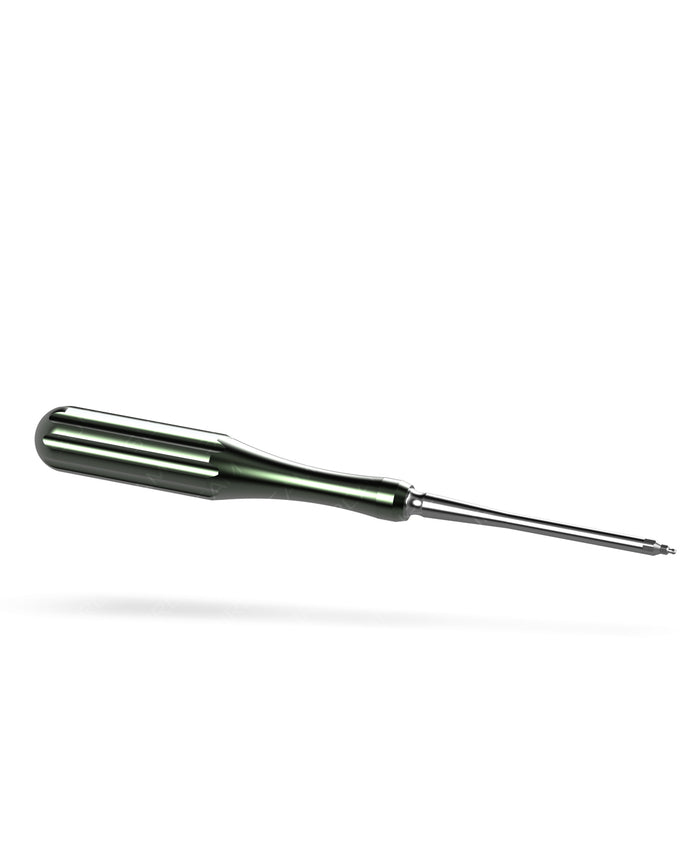
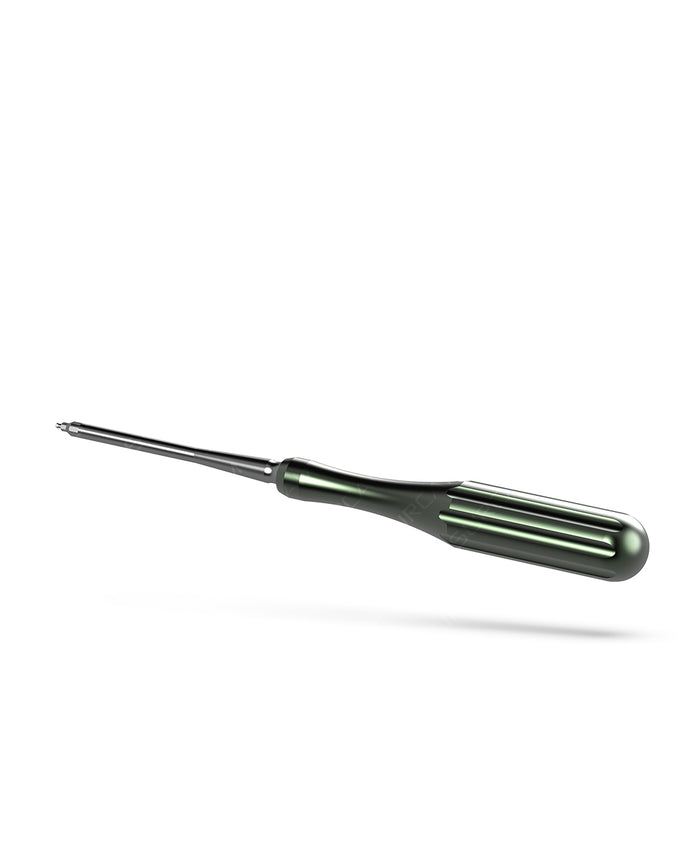
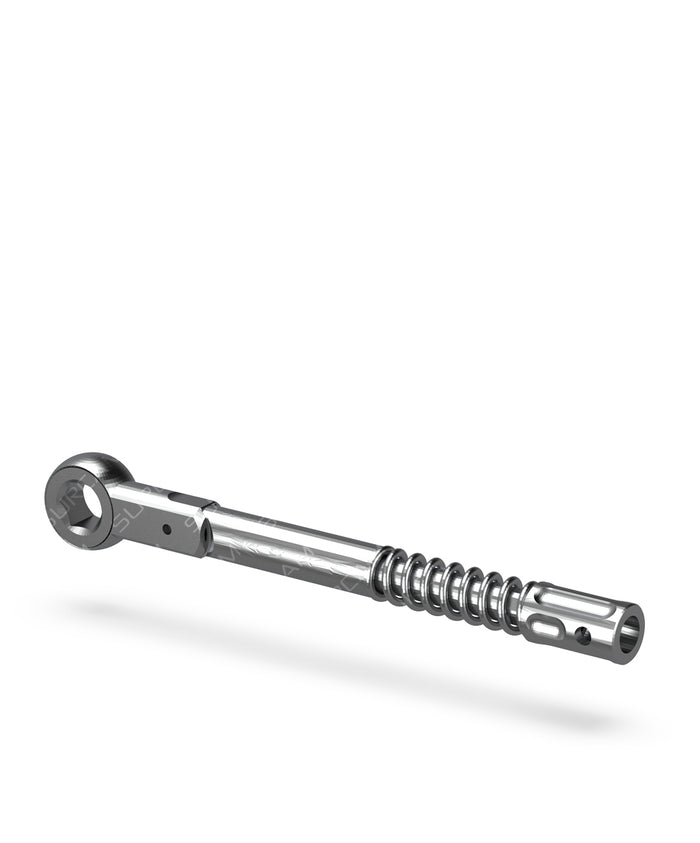
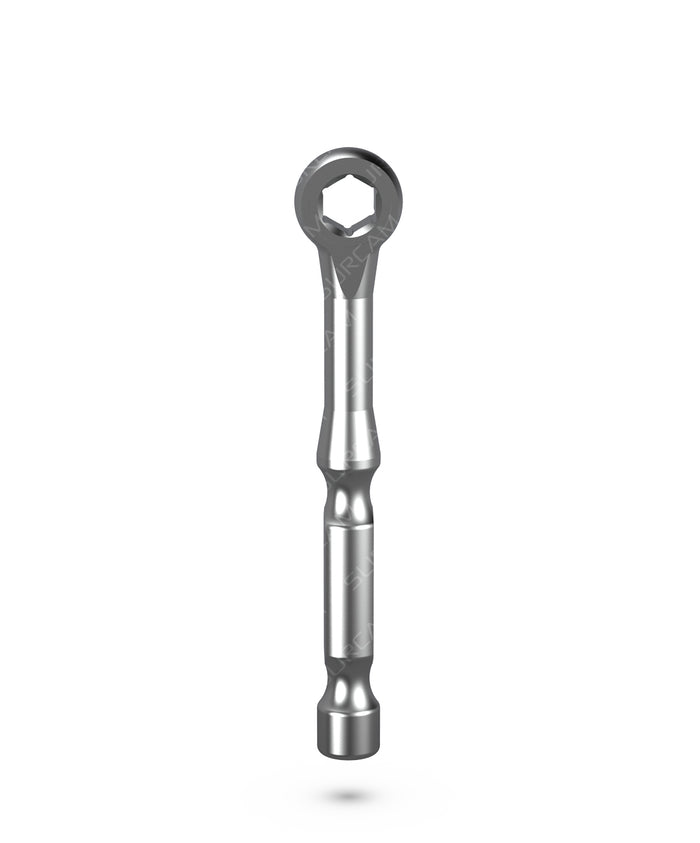
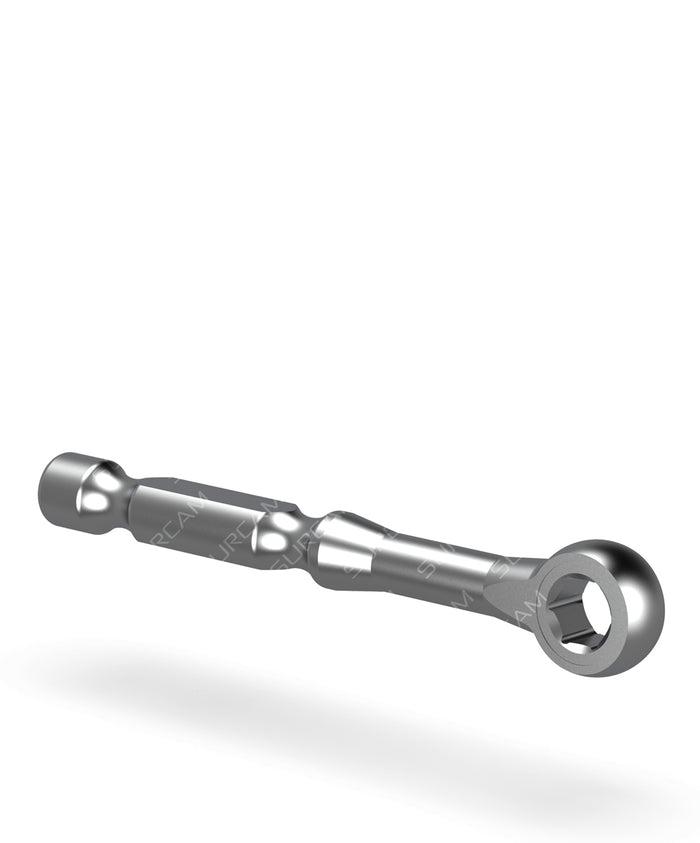
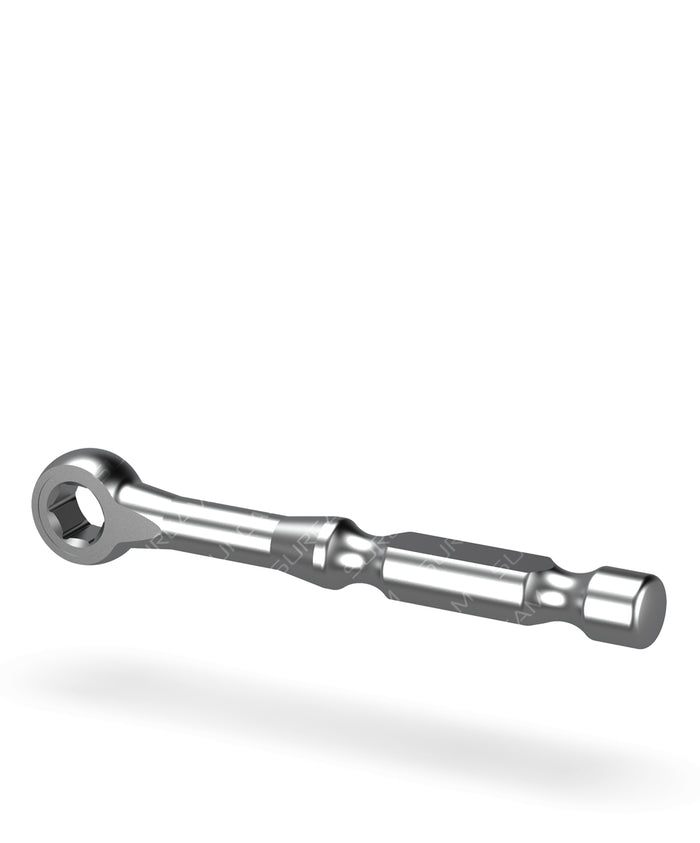
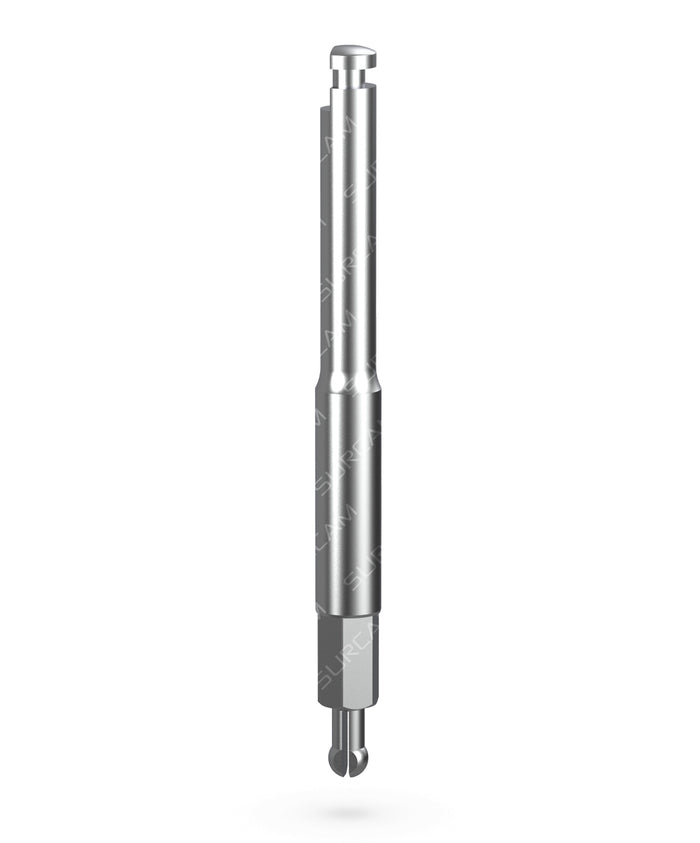
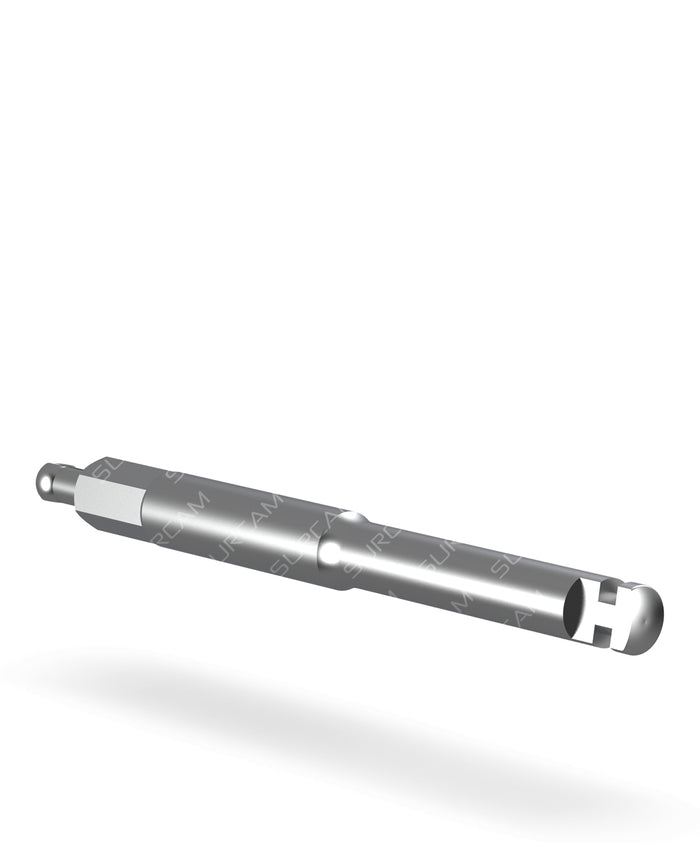
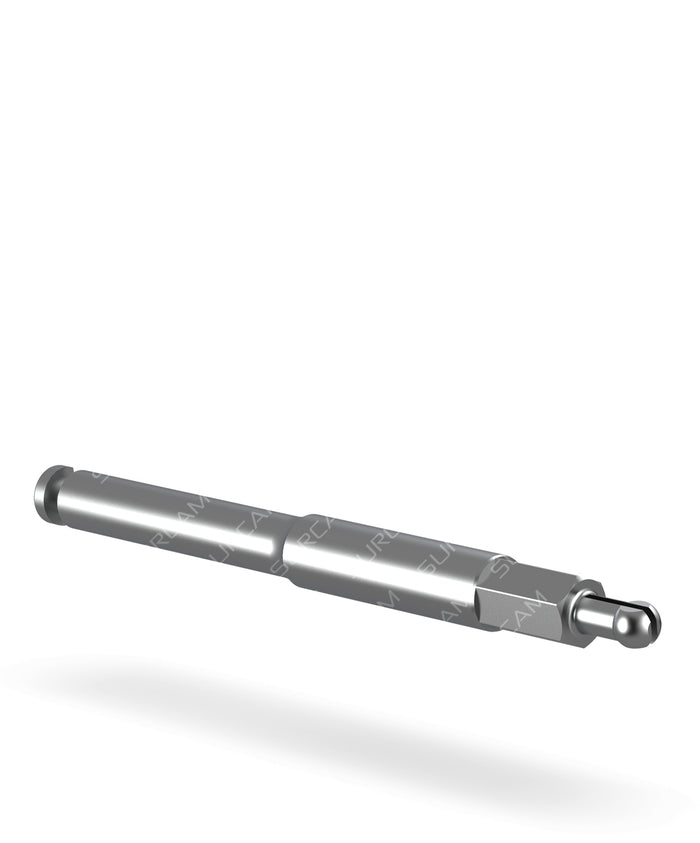
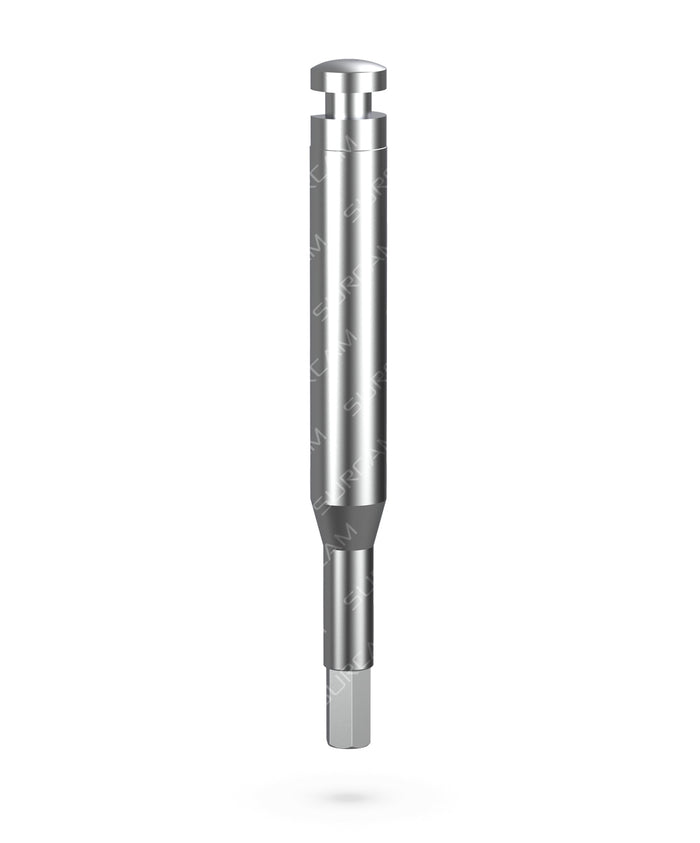
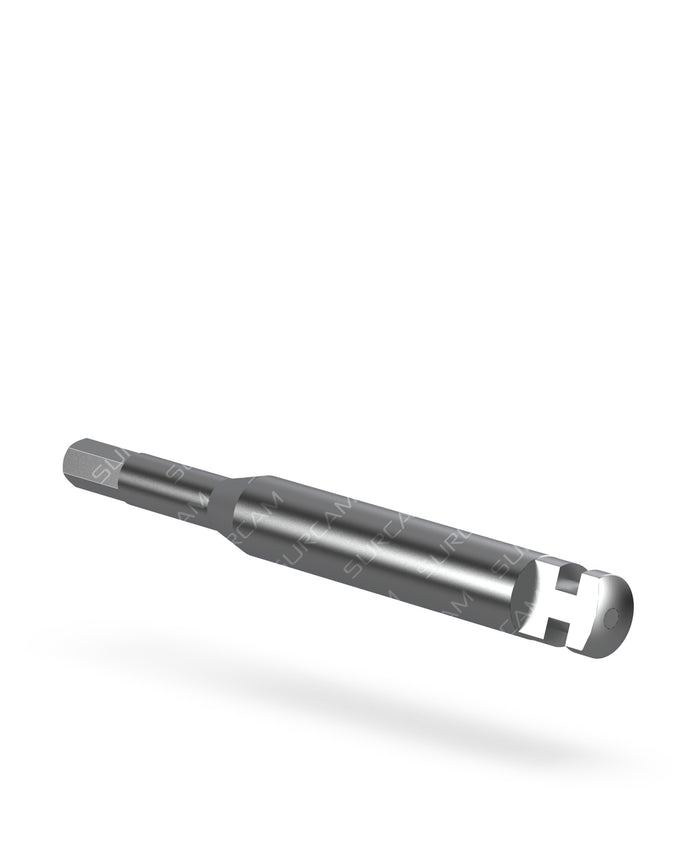
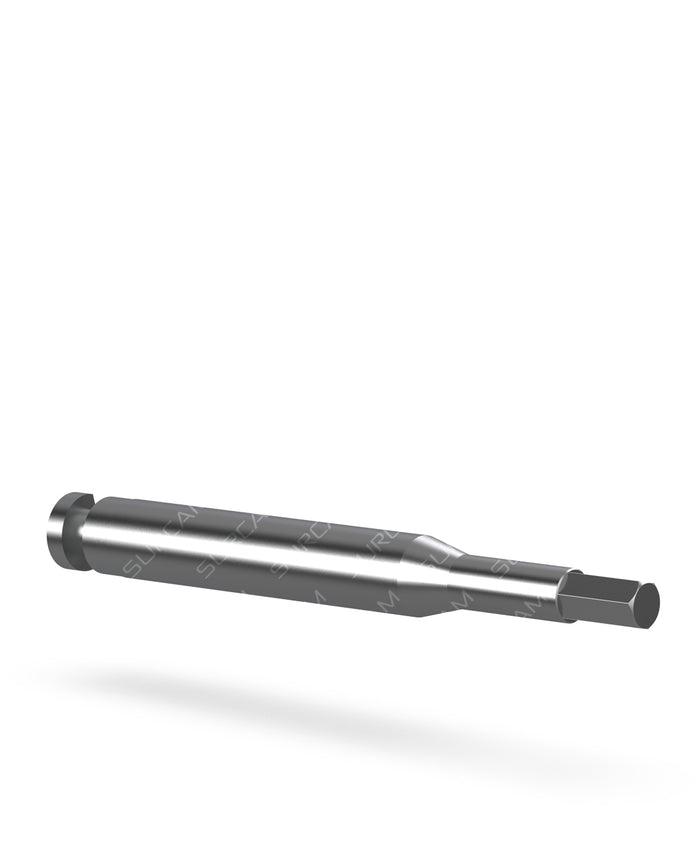
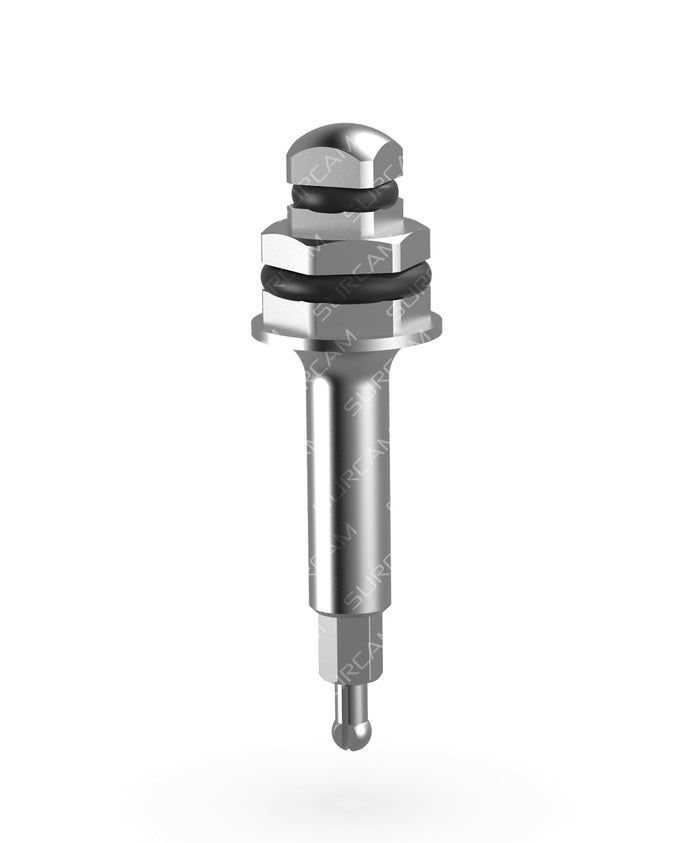
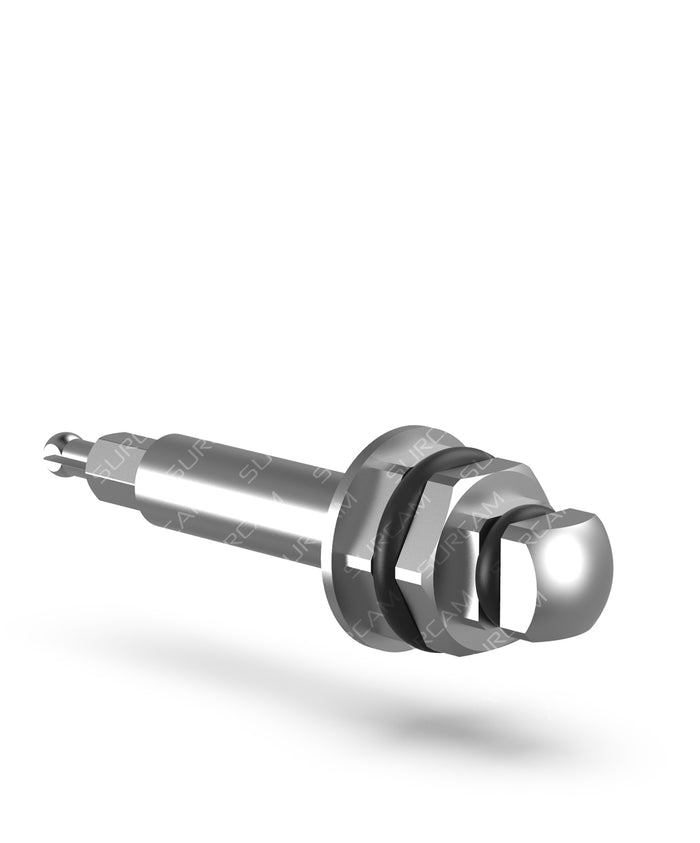
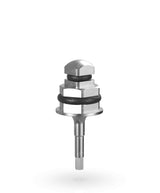
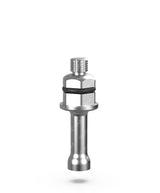
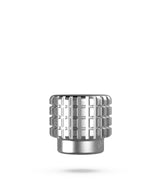
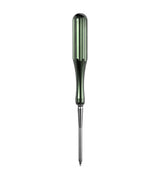
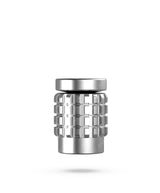
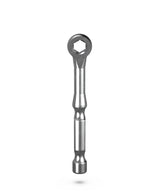
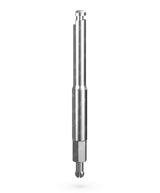
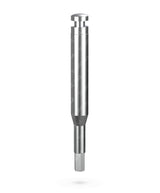
Surcam's implant drivers, torque wrenches and ratchets cover every tightening step in an implant case, from seating the fixture to the final prosthetic screw. Each driver is machined in stainless steel to engage the 2.43 mm internal hex or the 1.27 mm hex of Surcam prosthetic screws, in manual (hand) and machine (contra-angle) versions and several lengths for anterior and posterior access.
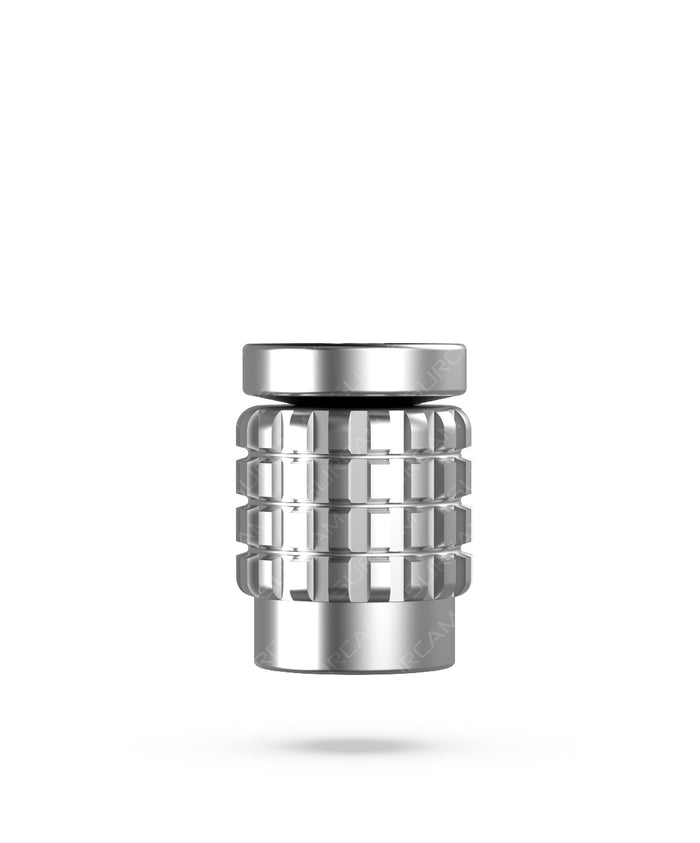
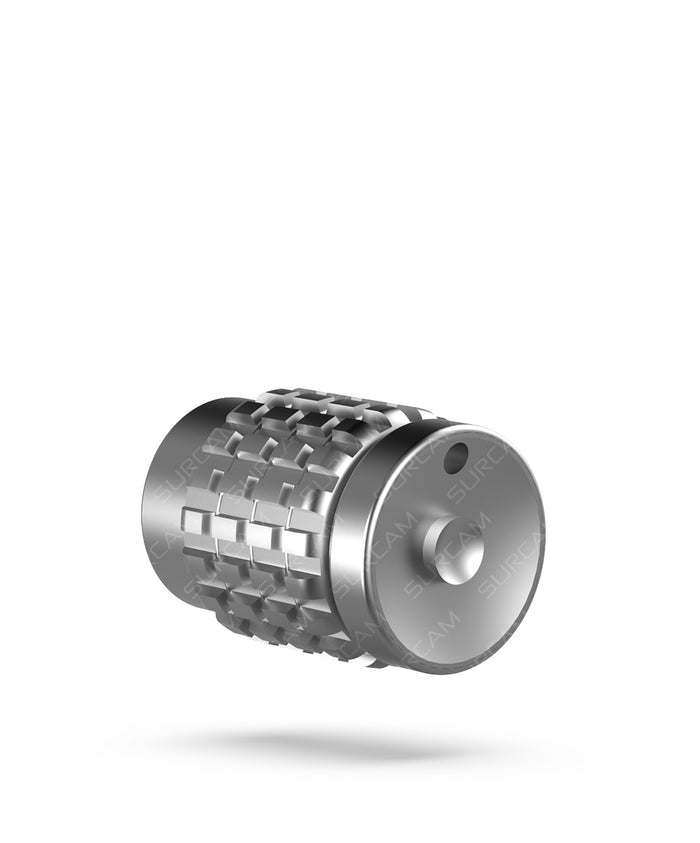
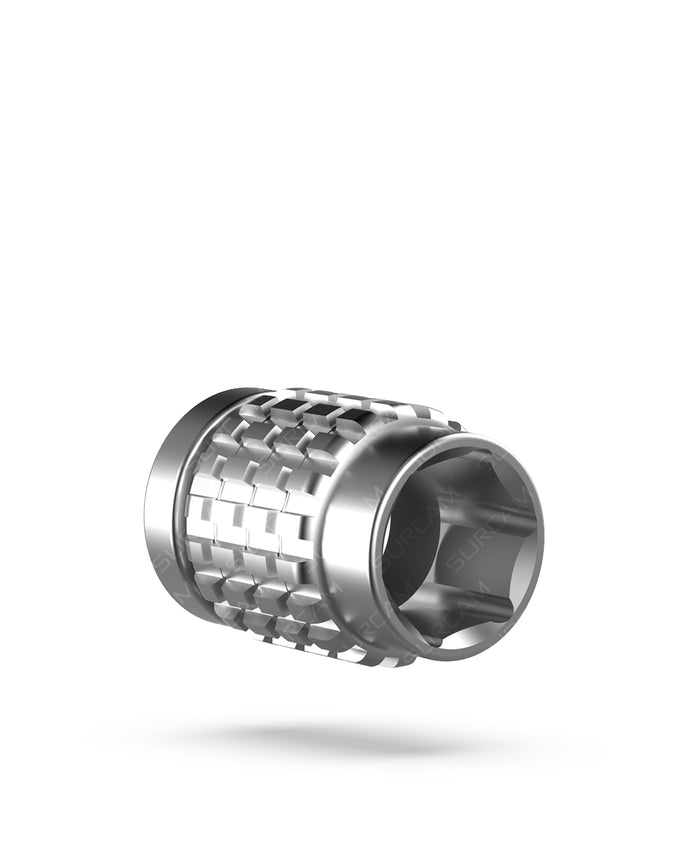
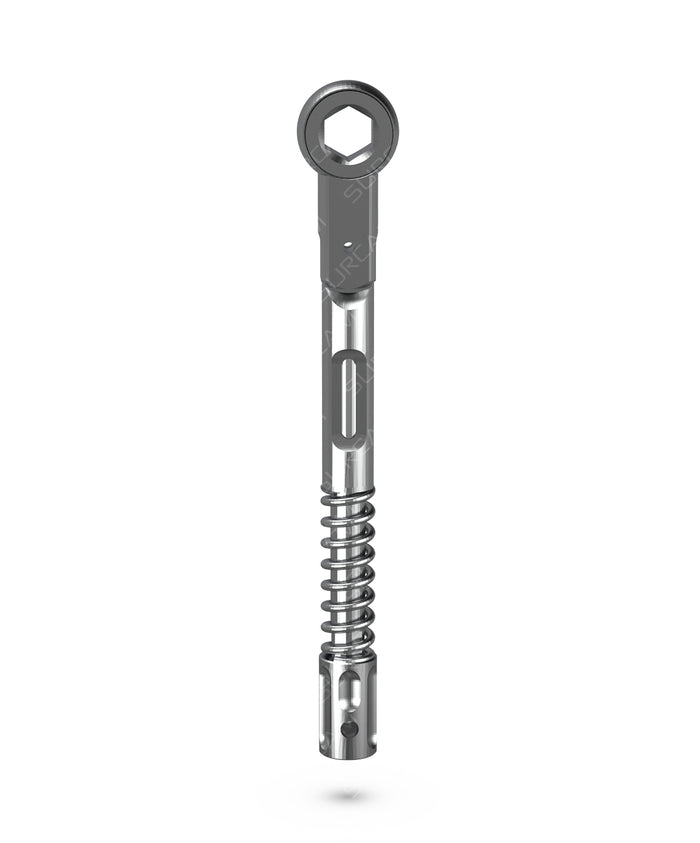
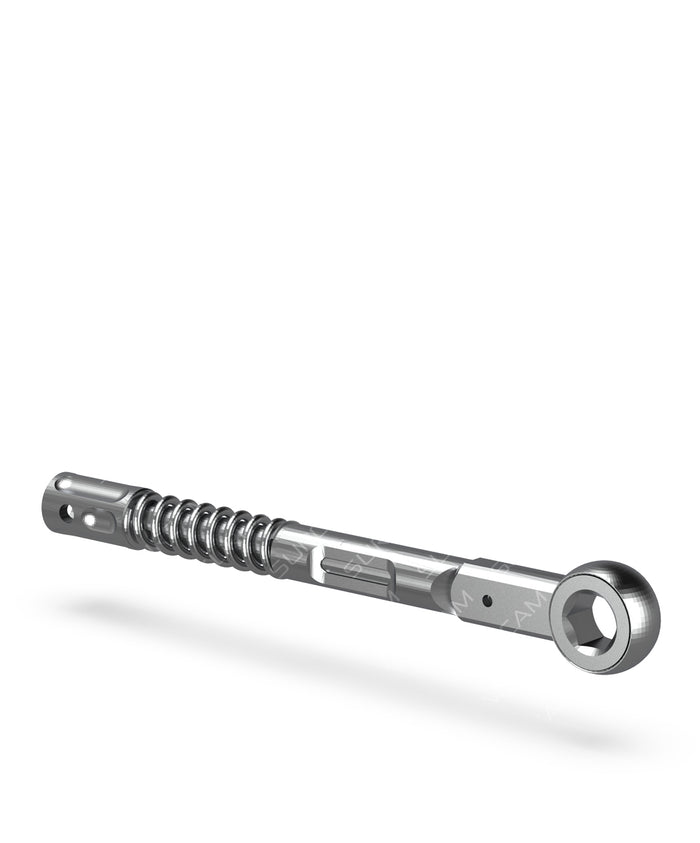
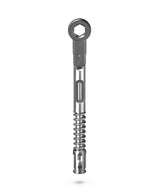
Pair the drivers with the 6.35 mm hex-drive torque ratchet (TRTS-02) to deliver controlled torque at insertion and at screw delivery. Add a 10 mm or 12 mm handle adaptor when you need extra leverage. The same drivers ship in Surcam's universal surgical kit and work with both the internal hex and conical connection implant lines.
How to choose an implant driver and torque wrench
Implant drivers vs. prosthetic screwdrivers
An implant driver engages the implant's 2.43 mm internal hex and transfers insertion torque to the fixture. The holding clip retains the implant on the driver on the way to the site. A prosthetic screwdriver has a 1.27 mm hex tip that seats abutment, multi-unit and prosthetic screws. Using the wrong one rounds the hex and makes later removal difficult.
Manual or machine
Manual drivers (KSH series) fit the torque ratchet or are turned by hand for final seating and screw delivery. Machine drivers (MKS, MKM, MKL and MIC series) fit the contra-angle handpiece for motor-driven insertion. Lengths run from 8 mm to 30 mm, so pick short drivers for posterior access and long ones for deep or anterior sites.
Why use a torque ratchet
Tightening to the correct torque reduces the risk of screw loosening, builds less stress into the restoration and prevents component fractures. The TRTS-02 torque ratchet takes every Surcam driver through its 6.35 mm hex drive. Keep insertion torque at or below 50 Ncm and abutment and multi-unit screws at or below 15 Ncm, as the Surcam catalog states. Check the IFU for each other step.
See the dental implant torque wrench and the independent torque accuracy study.