





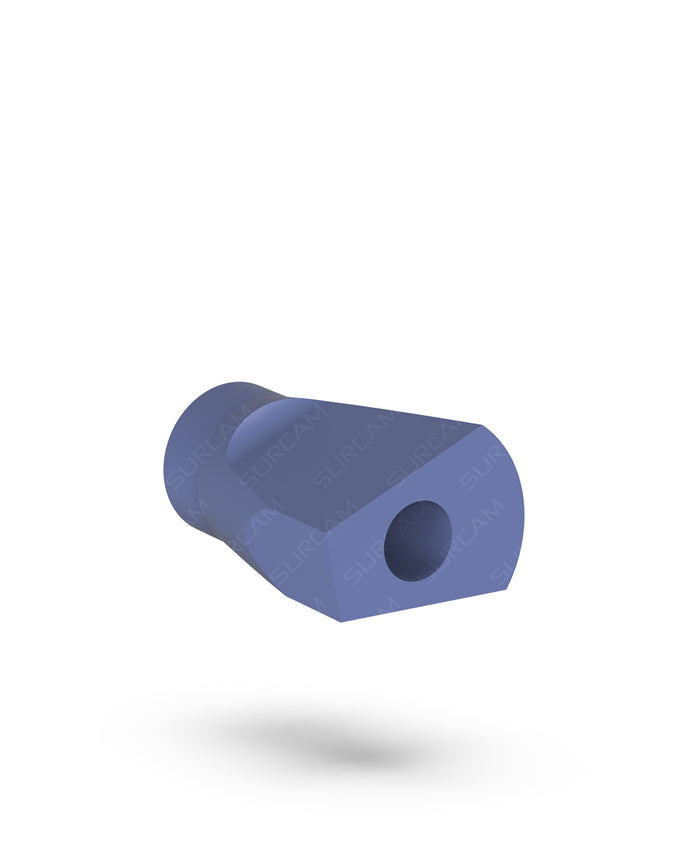


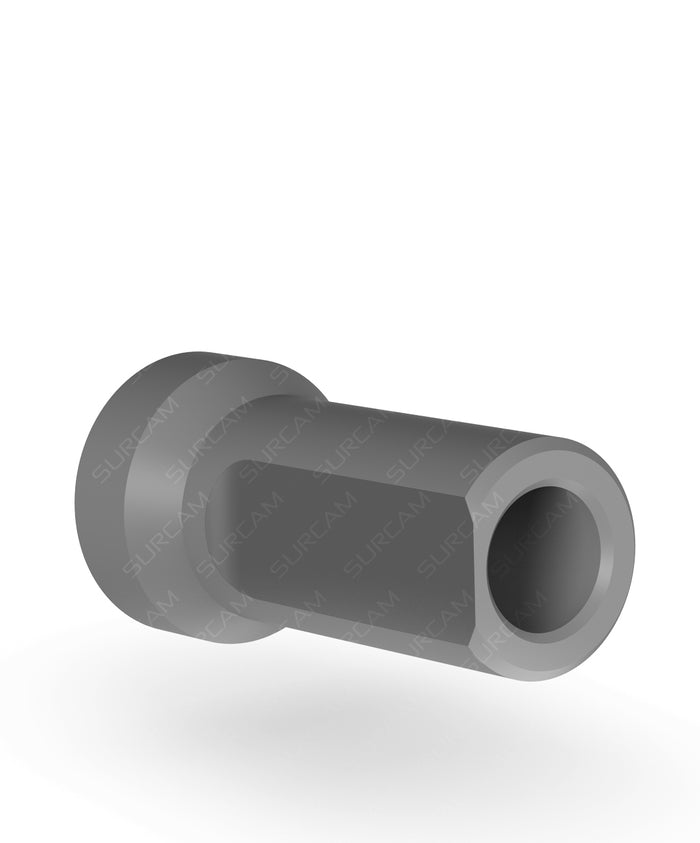

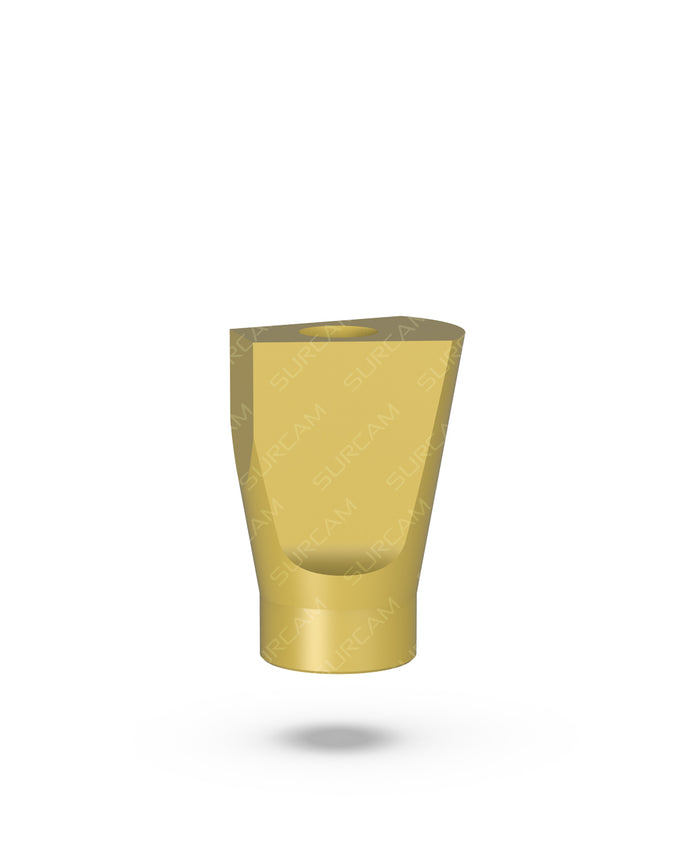
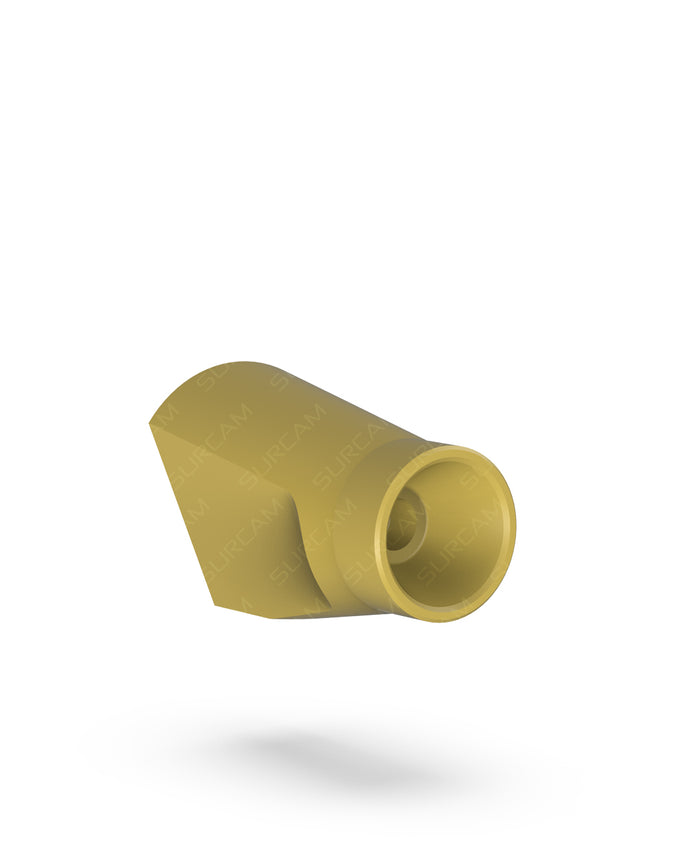
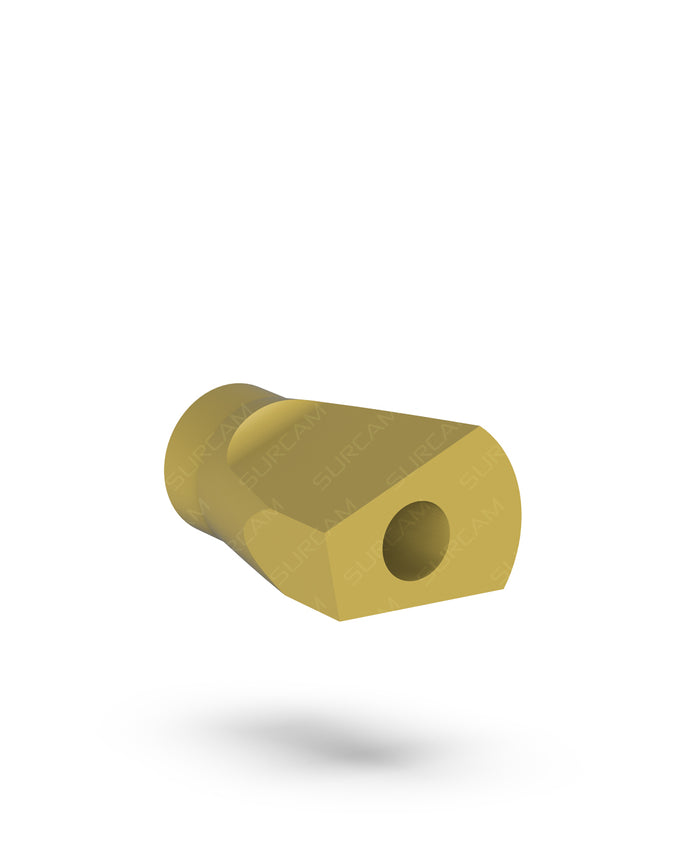

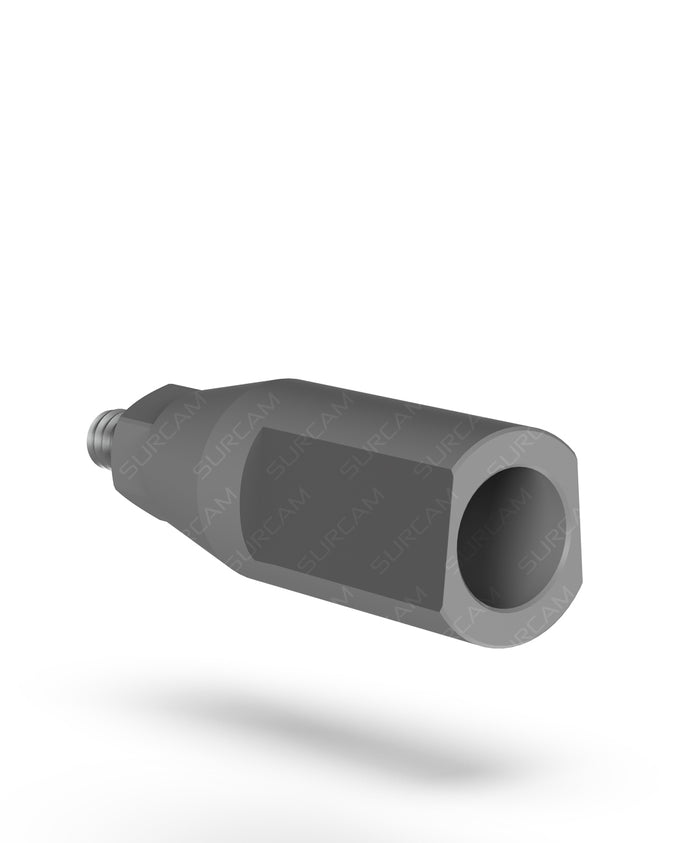

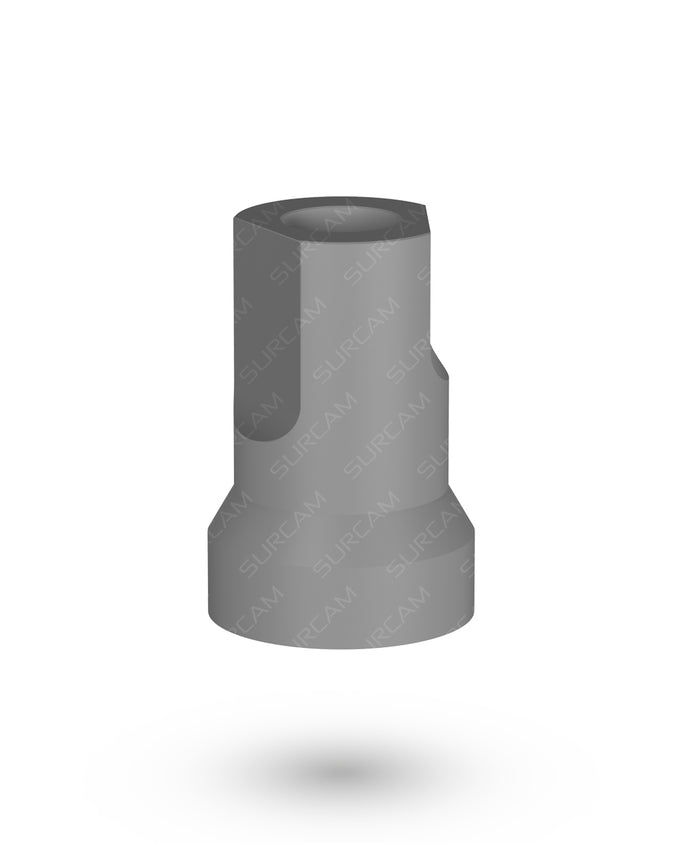


Choose a scan body by connection
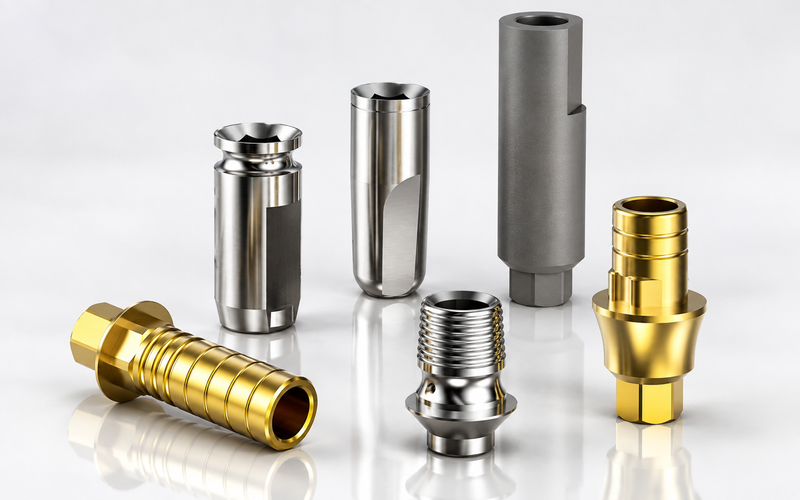
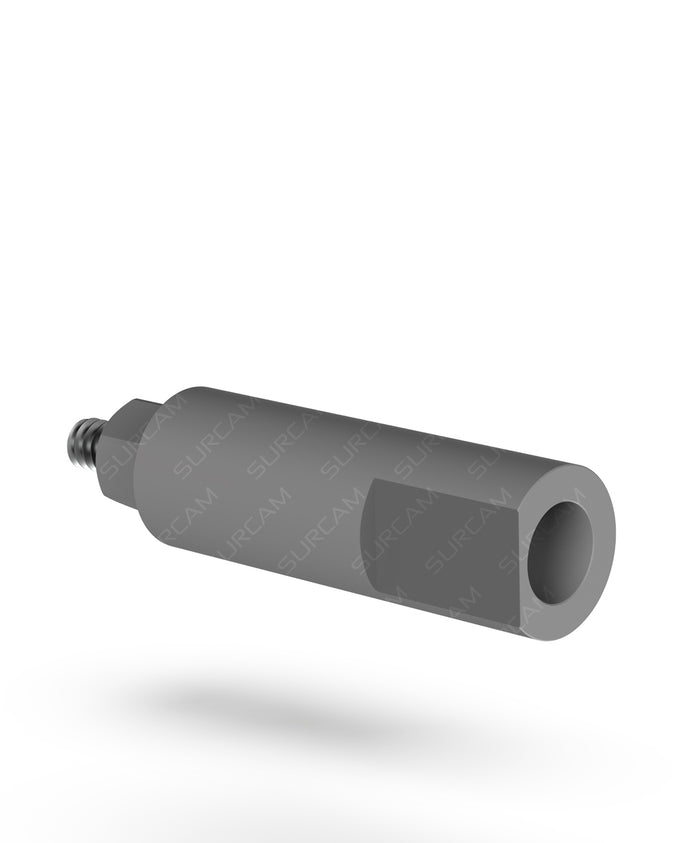
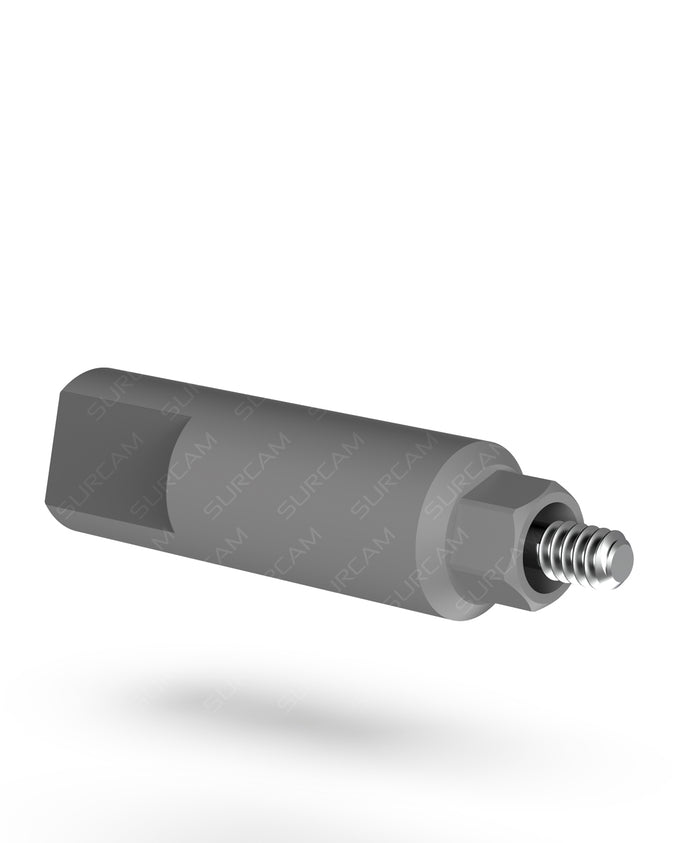
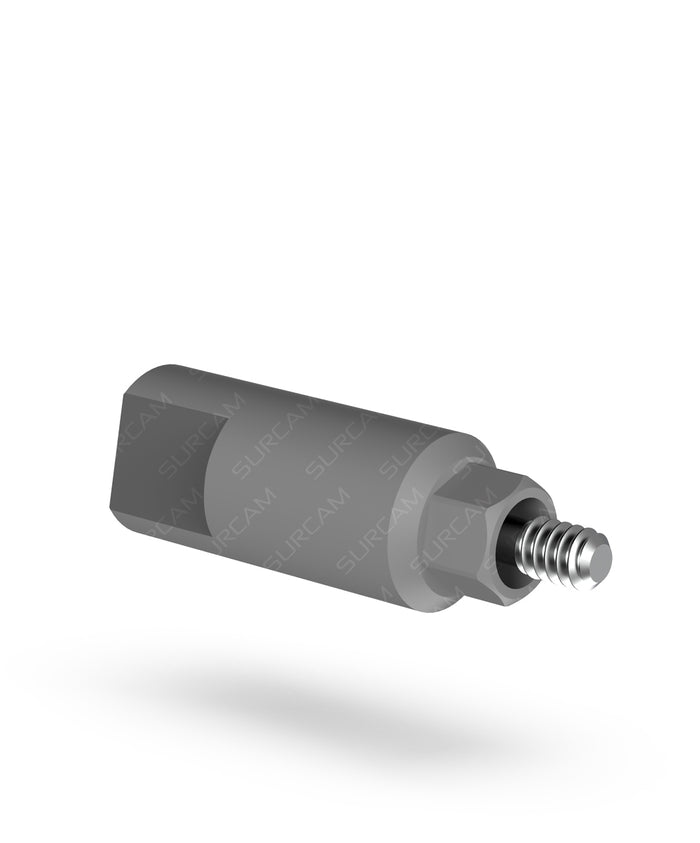
- Internal hex: the standard scan body, or the long scan body when the platform sits deep or the tissue is thick.
- Nobel Active® compatible: scanning abutment adaptors for the NP 3.5 and RP 4.3 conical platforms.
- General Multi-Unit: the General Multi-Unit scan body, also available PVD TiN coated.
- Prime Multi-Unit: the Prime Multi-Unit scan body, plus the 3D scan body in an intraoral version and a lab version.
Intraoral scan or lab scan?
For an intraoral scan, the scan body is screwed onto the implant or multi-unit abutment in the mouth and captured with an intraoral scanner. For a lab scan, it is screwed onto the analog in the stone model and captured with a desktop scanner. Either way, the CAD software matches the scanned shape to the library file to find the implant position.
Getting an accurate scan
- Seat the scan body fully and tighten it as the IFU describes.
- Keep enough of the scan body above the tissue for the scanner to read it. Use the long version for deep platforms.
- Don't modify a scan body or use one that is damaged.
- Use the library file that matches the scan body you ordered, from the digital libraries page.
Complete the digital workflow
After the scan, design the restoration over a Ti-base and check it on a printed model with a digital analog. For full-arch cases, see multi-unit abutments.